
Written by
El Amine
January 8, 2026
7 min read
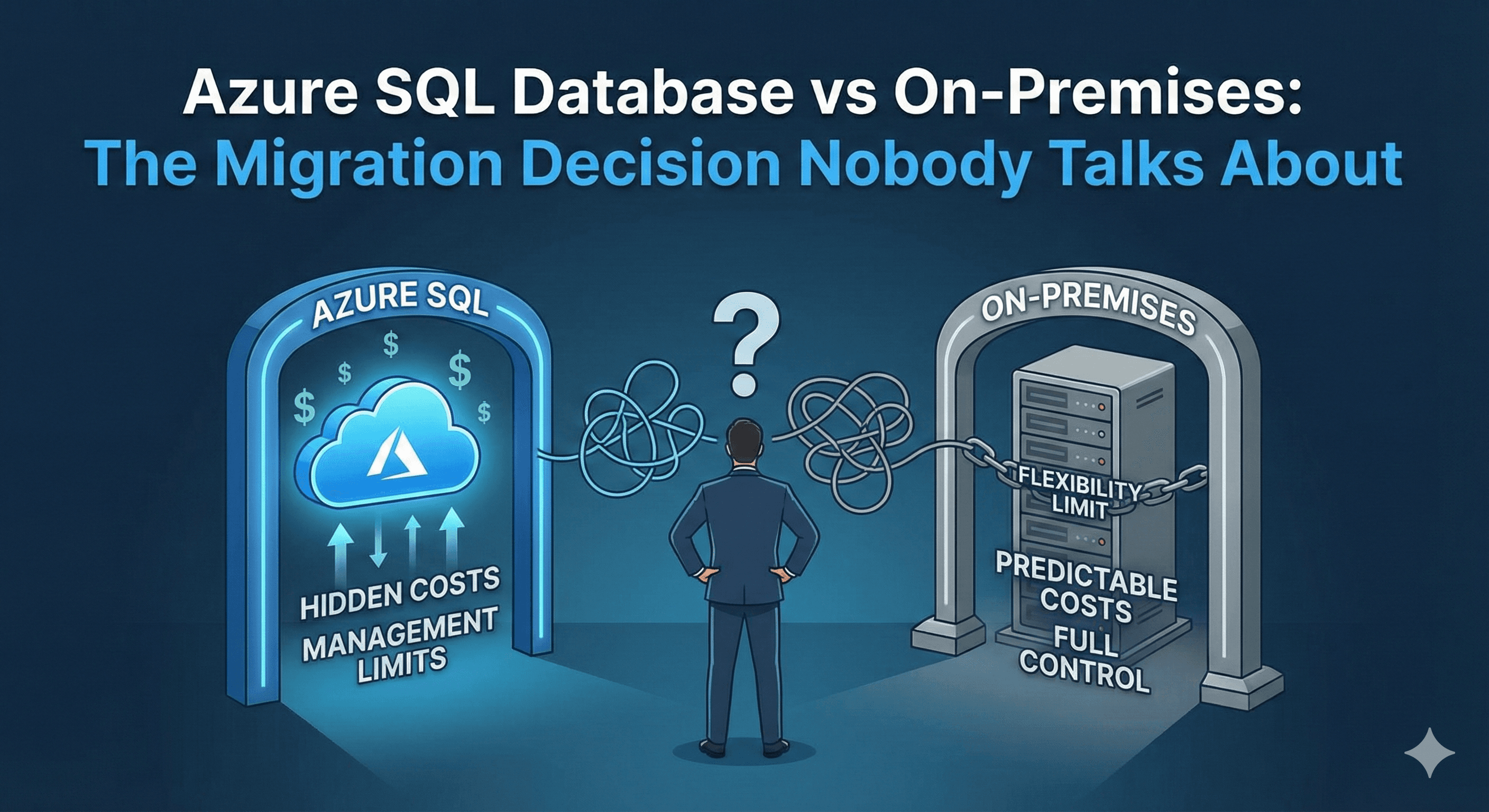
Every conversation about migrating to Azure SQL Database follows the same script: "Move to the cloud for scalability, eliminate infrastructure management, pay only for what you use!" What vendors don't discuss are the hidden trade-offs that can turn a promising migration into a expensive regret.
After helping dozens of companies migrate to Azure SQL Database (and helping a few migrate back to on-premises), here's the honest conversation about what works, what doesn't, and how to make the right decision for your business.
The Azure SQL Promise vs Reality
The Promise: "Eliminate database administration overhead and focus on your business."
The Reality: You eliminate infrastructure administration, but database performance tuning, query optimization, and security management still require deep expertise. Azure gives you automatic backups and high availability, but it doesn't automatically optimize your poorly written queries or fix your table design problems.
In fact, some companies find they need more DBA expertise after migrating because Azure SQL's managed environment limits the troubleshooting tools available. You can't just RDP into a server and investigate—you work within Azure's boundaries.
The Cost Calculation Everyone Gets Wrong
Most migration ROI calculations compare Azure SQL's monthly cost against on-premises hardware costs. This is fundamentally misleading because it ignores the full picture:
What Most Companies Calculate:
On-Premises: Server hardware ($20K), SQL licenses ($15K), electricity, cooling
Azure SQL: Monthly managed database cost ($800-$5000/month)
What They Should Calculate:
On-Premises: Hardware, licenses, DBA time, backup infrastructure, DR infrastructure, physical security, network costs
Azure SQL: Monthly database cost, data egress charges, backup storage costs, higher-tier requirements for performance features, DBA time for optimization
Here's what catches companies by surprise:
Data Egress Costs: Azure charges you to move data out of the cloud. For analytics workloads that pull large datasets, this can add thousands per month in unexpected costs.
Performance Tier Surprises: Many companies start with a lower-cost tier, then discover they need Premium or Business Critical tiers to match their on-premises performance. This can 3-5x the expected monthly cost.
Feature Gaps: Some SQL Server features aren't available in Azure SQL Database. Need SQL Agent for job scheduling? That requires Azure SQL Managed Instance at a higher price point. Need cross-database queries? Different story in Azure.
When Azure SQL Makes Perfect Sense
Despite the challenges, Azure SQL Database is genuinely transformative for certain scenarios:
1. Variable Workloads: If your database load fluctuates dramatically, Azure SQL's elastic pools and serverless options can save significant money. You scale up during peak hours and scale down overnight, paying only for what you use.
2. Rapid Growth: When you're growing 10x year-over-year, Azure SQL's ability to scale up without ordering hardware is invaluable. You don't need to predict capacity 18 months in advance.
3. Global Distribution: For applications serving worldwide users, Azure SQL's geo-replication makes it easy to serve data from regional databases with low latency.
4. Development and Testing: For non-production environments, Azure SQL's ability to quickly spin up and tear down databases is a game-changer.
When On-Premises Still Wins
There are legitimate reasons major enterprises still run on-premises databases:
1. Predictable Costs: For stable workloads with consistent resource needs, owning hardware can be more economical than renting it monthly. A $50K server might run for 5 years, competing with $3K/month Azure SQL costs.
2. Complete Control: When you need OS-level access, custom monitoring tools, or features not available in Azure SQL, on-premises gives you total flexibility.
3. Compliance Requirements: Some industries have regulations requiring on-premises data storage or prohibiting cloud hosting.
4. Latency-Sensitive Applications: Applications requiring sub-millisecond database response times may struggle with network latency to cloud databases.
The Hybrid Approach Nobody Mentions
The most successful migrations often aren't all-or-nothing. Smart companies:
Keep mission-critical production databases on-premises with full control
Move development, testing, and analytics workloads to Azure SQL
Use Azure SQL for new applications while maintaining existing on-premises systems
Implement hybrid disaster recovery with Azure as the secondary site
This approach lets you benefit from cloud flexibility where it makes sense while avoiding forced migration of workloads that perform better on-premises.
Making the Decision
Ask yourself these questions:
Do we have unpredictable or spiky workloads? → Azure SQL shines here
Do we need rapid scaling without hardware planning? → Azure SQL advantage
Is our workload stable and predictable? → On-premises may cost less
Do we have the expertise to optimize cloud databases? → Required for success either way
Can we accurately forecast 3-year total costs including all Azure charges? → Critical for ROI
The right answer isn't "cloud vs on-premises"—it's understanding your specific workloads, growth patterns, and constraints, then choosing the environment that best serves each requirement.
Migration to Azure SQL Database can be transformative, but only when it's the right fit for your specific situation. Don't migrate because it's trendy—migrate because it solves real problems better than your current approach.